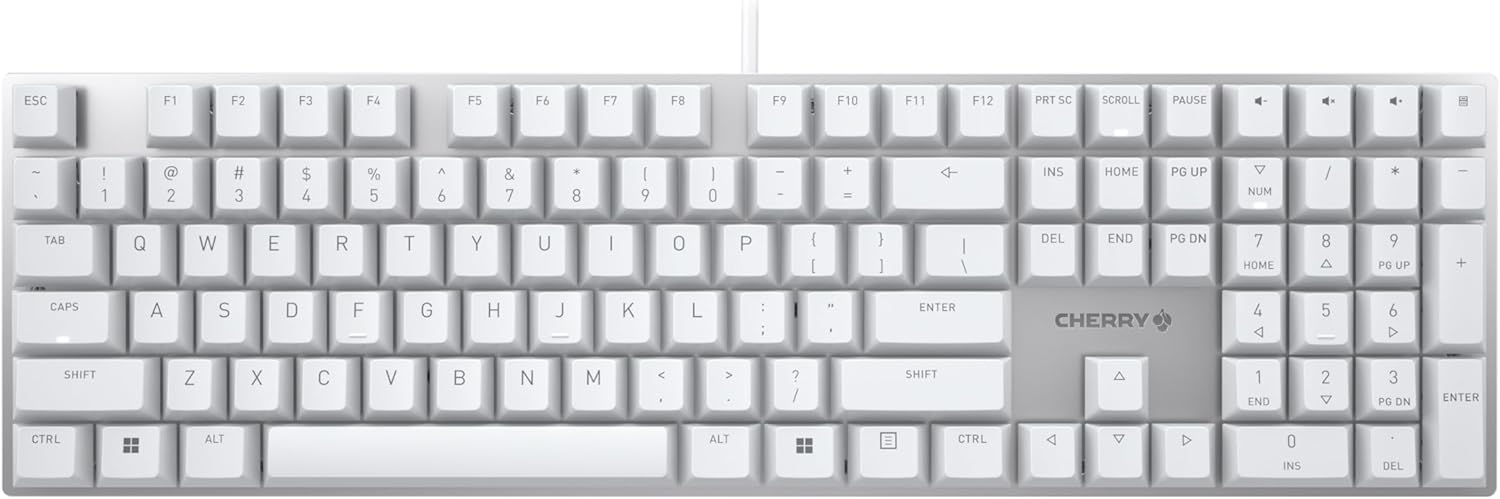
Logitech MX Keys Mini
#1 keyboard on Amazon — compact wireless, smart backlight, multi-device, USB-C rechargeable.
Why it matters
The MX Keys Mini is Logitech's answer to what most professional developers actually want from a daily-driver keyboard: compact form, wireless reliability, and multi-device switching without fuss. Spherically-sculpted keys with just the right key travel for a membrane board, smart proximity backlight that wakes when your hands approach, Bluetooth Low Energy with Easy-Switch for up to 3 devices, and USB-C charging that lasts up to 10 days. The tenkeyless layout keeps your mouse closer and your shoulders less strained. At #1 in Amazon Computer Keyboards with 4073 reviews, it's the most validated compact keyboard on the market. Not mechanical — if you want clicky switches look elsewhere — but the best possible version of what it is.
Specifications
Strengths
- #1 bestseller in Computer Keyboards on Amazon with 4073 reviews — most validated compact keyboard available
- Easy-Switch for 3 devices with one button press — seamless for multi-machine devs
- Smart proximity backlight auto-activates and adjusts to room light — never distracting
- 5-month battery life with backlight off — almost never needs charging
- USB-C charging — no proprietary cables
- Logitech Flow lets you type across two computers with MX Master 3 — copy/paste across machines
Trade-offs
- Membrane switches — no mechanical feel or tactile bump
- No numpad — full-size muscle memory requires adjustment
- Logi Options+ software needed for smart keys on Windows/macOS
- Bluetooth pairing can be finicky on some Linux distros (firmware update resolves Windows issue)
Ask AI
Ask about Logitech MX Keys Mini